Trade screen time for time with God
Block social media for a few hours or on fixed schedules. When you feel like opening it, Daily Flame invites you to pray.

For iPhone. All blocking is free.

Blocked until 7:00 AM tomorrow
How about praying now?
12 days in a row with prayer.
How much does the feed take from you?
Drag to say how many hours a day you spend on social media.
1,095 hours a year on your phone
That is 45 days of scrolling, around the clock.
What if part of that time were with God?
How it works
Daily Flame uses Apple’s Screen Time. The apps you choose really stay closed, until the time you set.
-
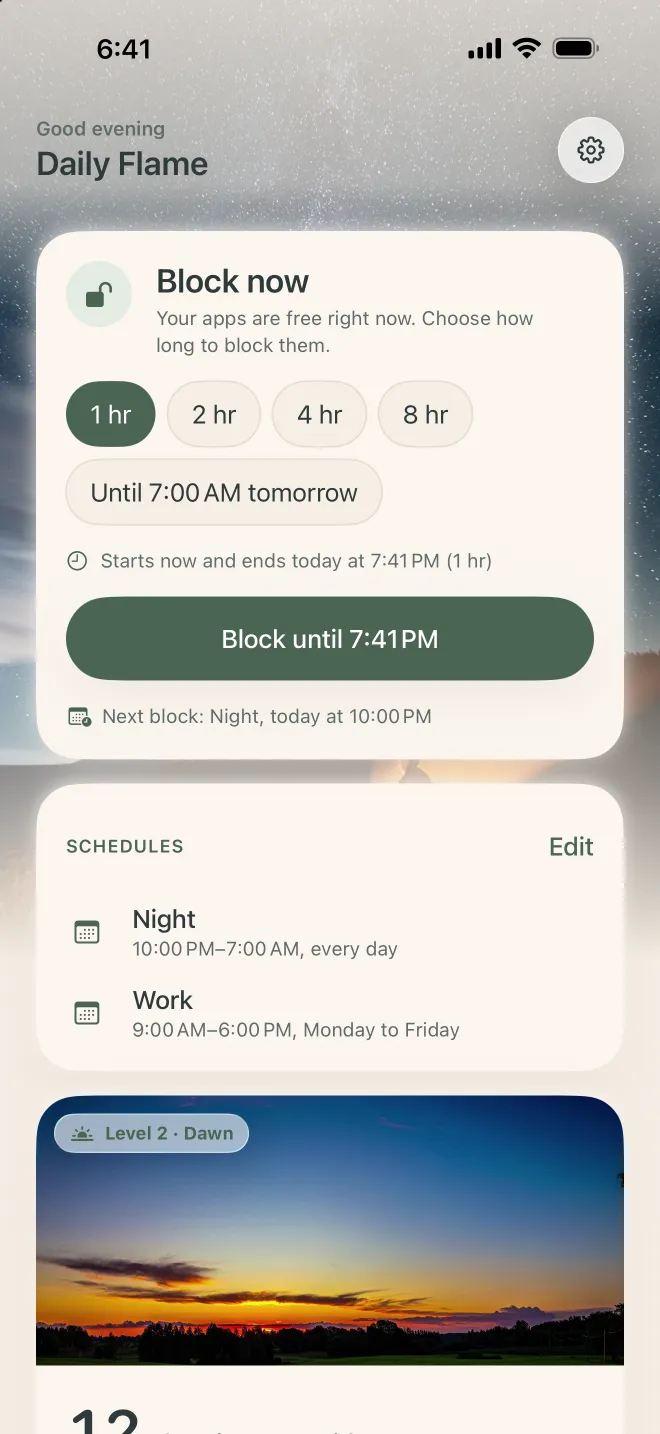
Block now
Choose the apps that steal the most of your time and block them for 1, 2, 4 or 8 hours, or until 7 AM tomorrow.
-
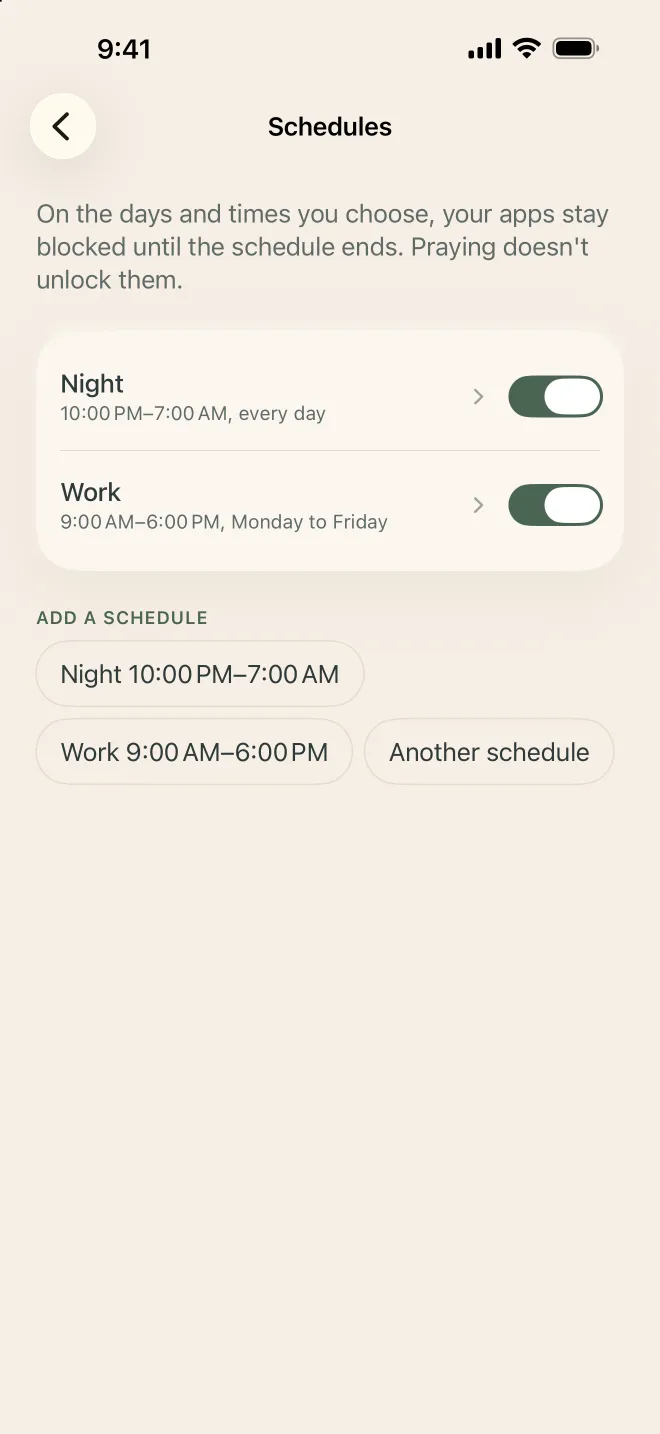
Or put it on a schedule
Create blocks that repeat, like 10 PM to 7 AM for sleep or 9 AM to 6 PM for work.
-
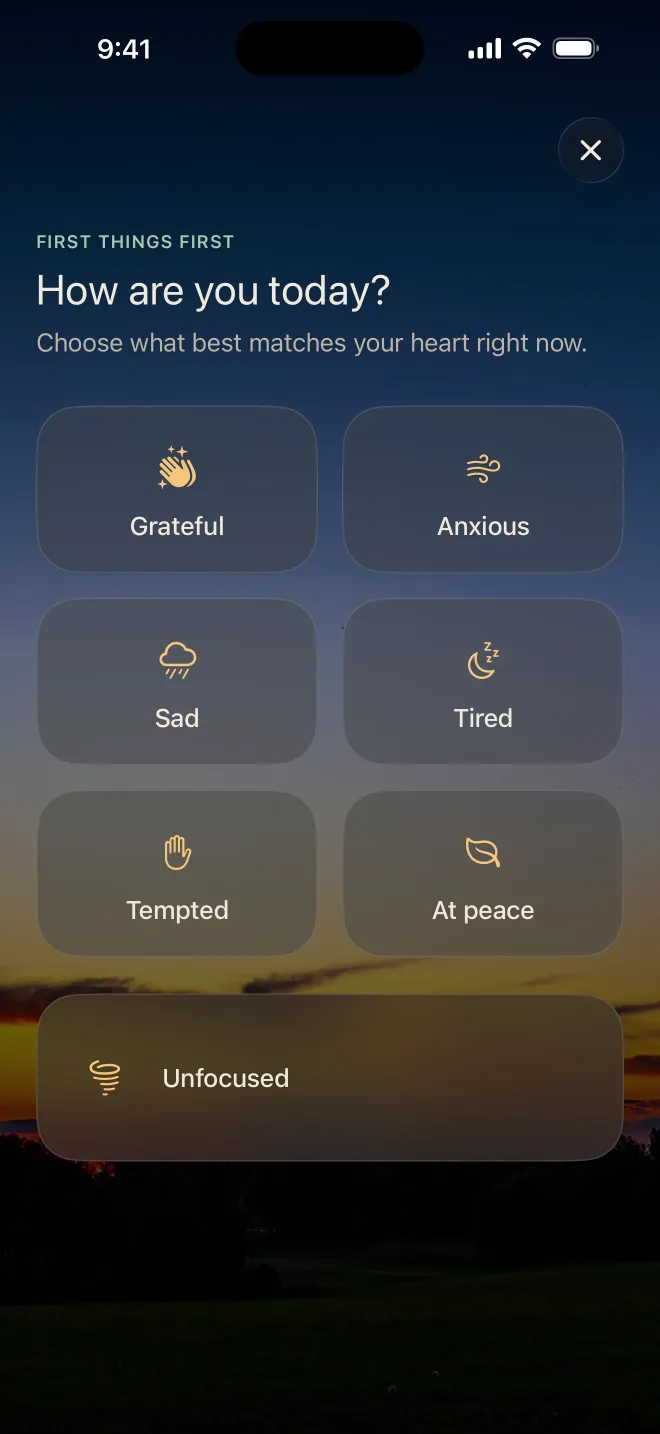
Tried to open one? Pray instead of scrolling
Instead of Instagram, you see an invitation to pray. The prayer counts toward your streak but doesn’t open the app: the block stays on until the time you set.
-
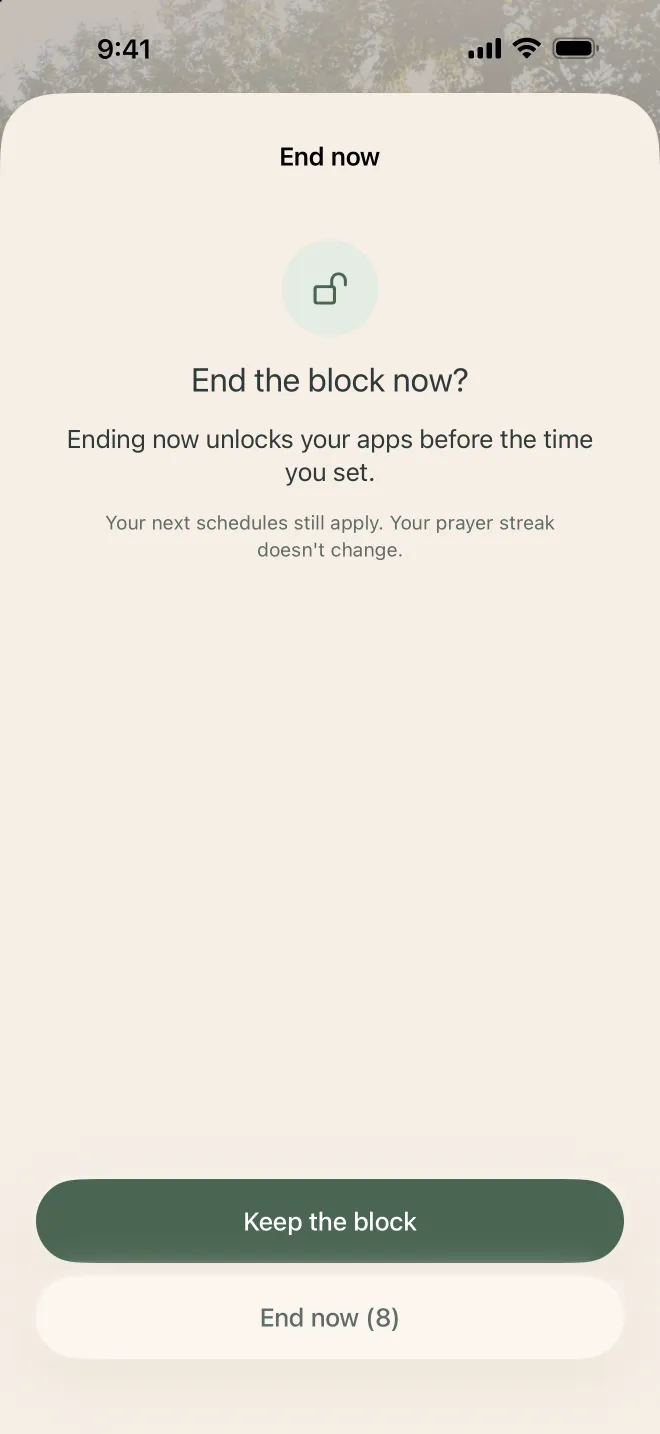
Really need it? End it calmly
You can end a block early, with a confirmation and a 10-second wait. Your schedules still apply and your streak doesn’t change.

Prayers for sleep
At bedtime, trade the last video for a prayer from the Word. The audio keeps playing with the screen locked, and the timer turns it off for you.
-
The Lord is my shepherd To fall asleep in peace 6 min
Free
-
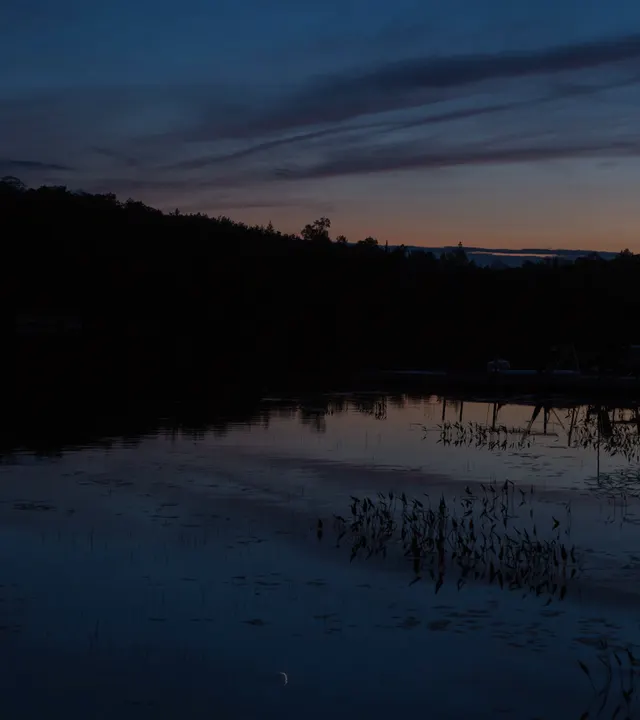 The storm made still A Bible story for sleep 7 min
Premium
-
 Rest for the weary Rest for body and soul 5 min
Premium
Every day of prayer brightens the sky
Your streak is a real sunrise, from first light to full day. Milestones never go back: a day without prayer doesn’t erase what you built.
 First light 1 day
 Dawn 7 days
 Sunrise 21 days
 Morning 40 days
 Bright day 100 days
 Light of the world 365 days
“You are the light of the world.”
Matthew 5:14
All blocking is free
No limit on apps, schedules or days. Premium is for those who want more to pray with.
Free
- Block now and schedules, with no limit
- The invitation to pray when you try to open an app
- Guided prayers for every moment
- Your streak and the six sunrise milestones
- One sleep prayer
Premium
- All sleep prayers
- Prayer journeys with a theme each day: 21 days, Advent and Lent
Monthly or yearly subscription. The price is shown in the app before you subscribe.
Questions
Does praying unblock the apps?
No. The prayer counts toward your streak, but the block stays on until the time you set. The idea is to trade that minute of feed for a minute with God.
What if I need to open a blocked app?
In the app, tap End now. It asks you to confirm and waits 10 seconds. Your next schedules still apply.
Does the app see what I do on my phone?
No. Blocking uses Apple’s Screen Time and happens on your iPhone. Daily Flame doesn’t know which apps you chose or what you do in them.
Do I need an account?
Yes, just your email. The account keeps a copy of your progress, so you don’t lose your streak when you change iPhones.
Does it work on Android or iPad?
No. Daily Flame is only for iPhone, with iOS 17 or later.
Is it for Catholics or Protestants?
Both. The prayers and verses come from the Bible, for Christians of any church.
How do I cancel Premium?
On iPhone, go to Settings › your name › Subscriptions. More answers on the support page.
Your first day of light can be today
Choose the apps, set a schedule and say your first prayer.